Intelligent Framing
Auto-recomposes shots to keep faces clear.
Delivering AV & IT in the UAE
UAE businesses supported
In-house specialists
Google rating





GS IT plans each boardroom AV setup around the room's acoustics, dimensions, and usage patterns.
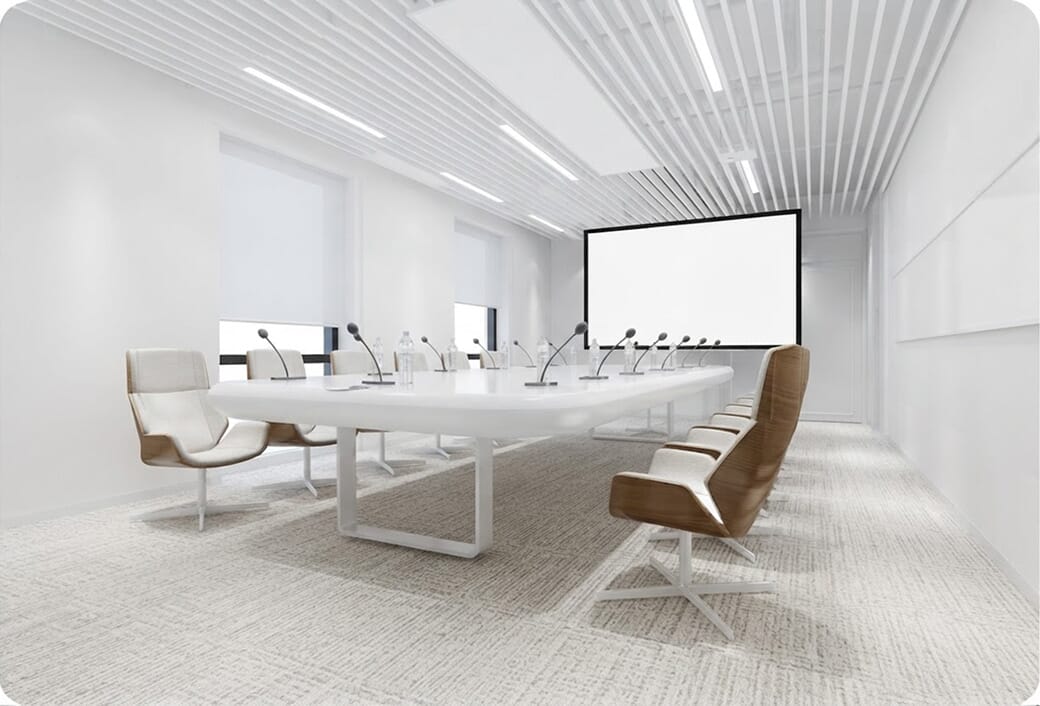
We test reverberation and noise levels before selecting your hardware.
AI framing and smart voice features are chosen and configured.
GS IT handles survey, installation, and programming, all under one contract.
Concealed ceiling voids and custom joinery keep board tables neat and clear.
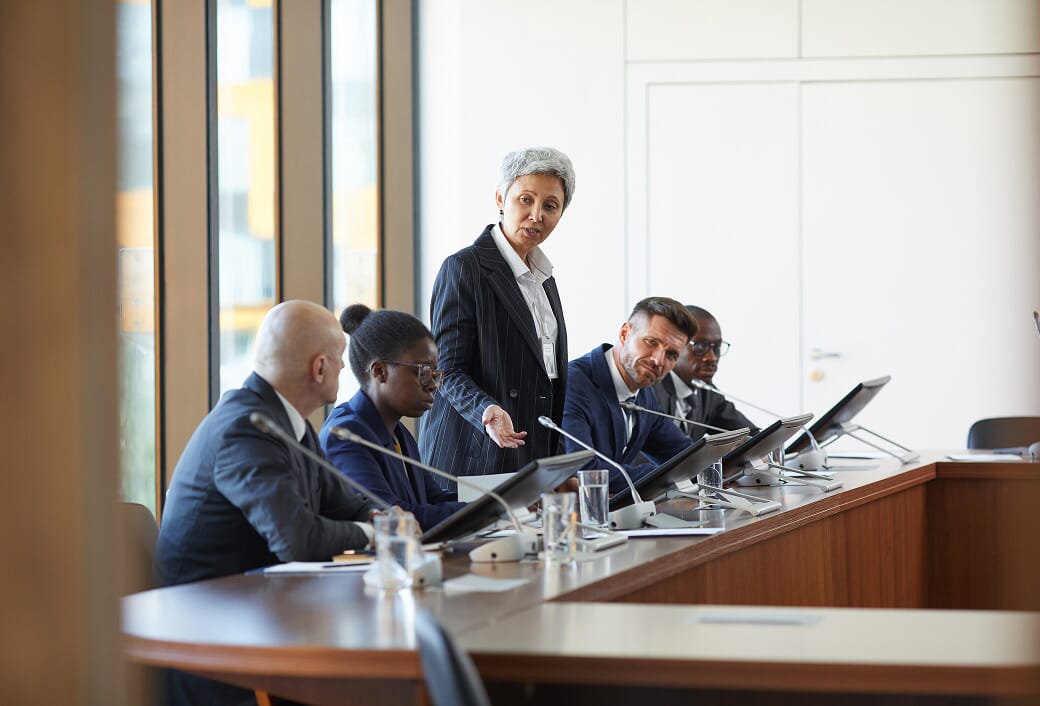
Seat count, height, and table length decide the design of a boardroom AV set up long before any product decision is made.
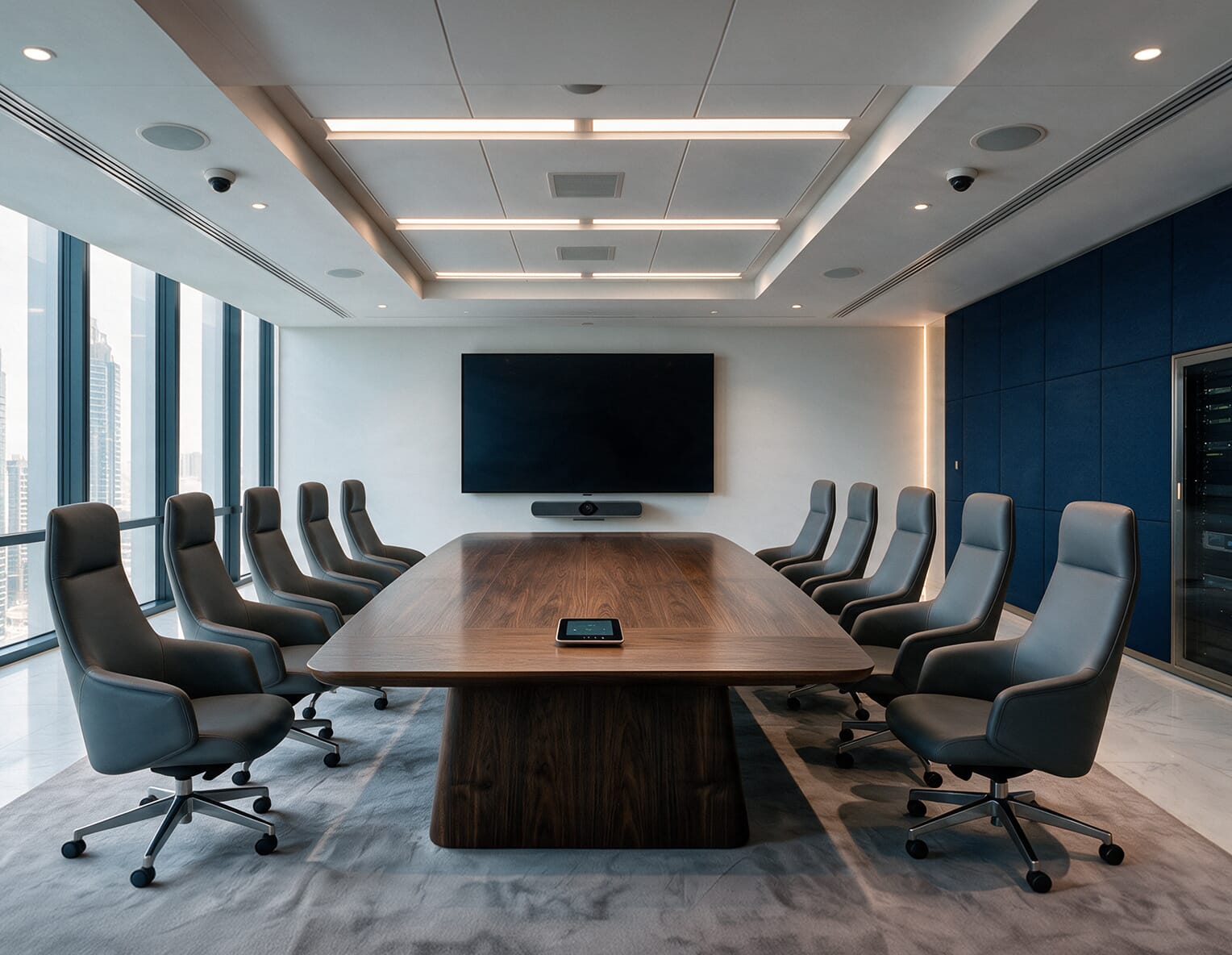
One 75 inch display
Built into the video bar
Built into the video bar, with auto-framing
All-in-one video bar with a table touch controller
Typical fit
executive committee rooms and smaller boards. One video bar handles the camera, microphones and speakers, so the room stays simple to run.
5.6 m farthest seat for slides
Detailed spreadsheets stay clear up to only 3.7 m on a 75" display. For seats farther back, select a larger screen tier.
Video bar mics pick up from the front
Integrated mics cover the table from the front; keep your farthest seat within pickup range.
Centered above or below the display
Center horizontally above or below the screen for eye-level framing and easy wall mounting.
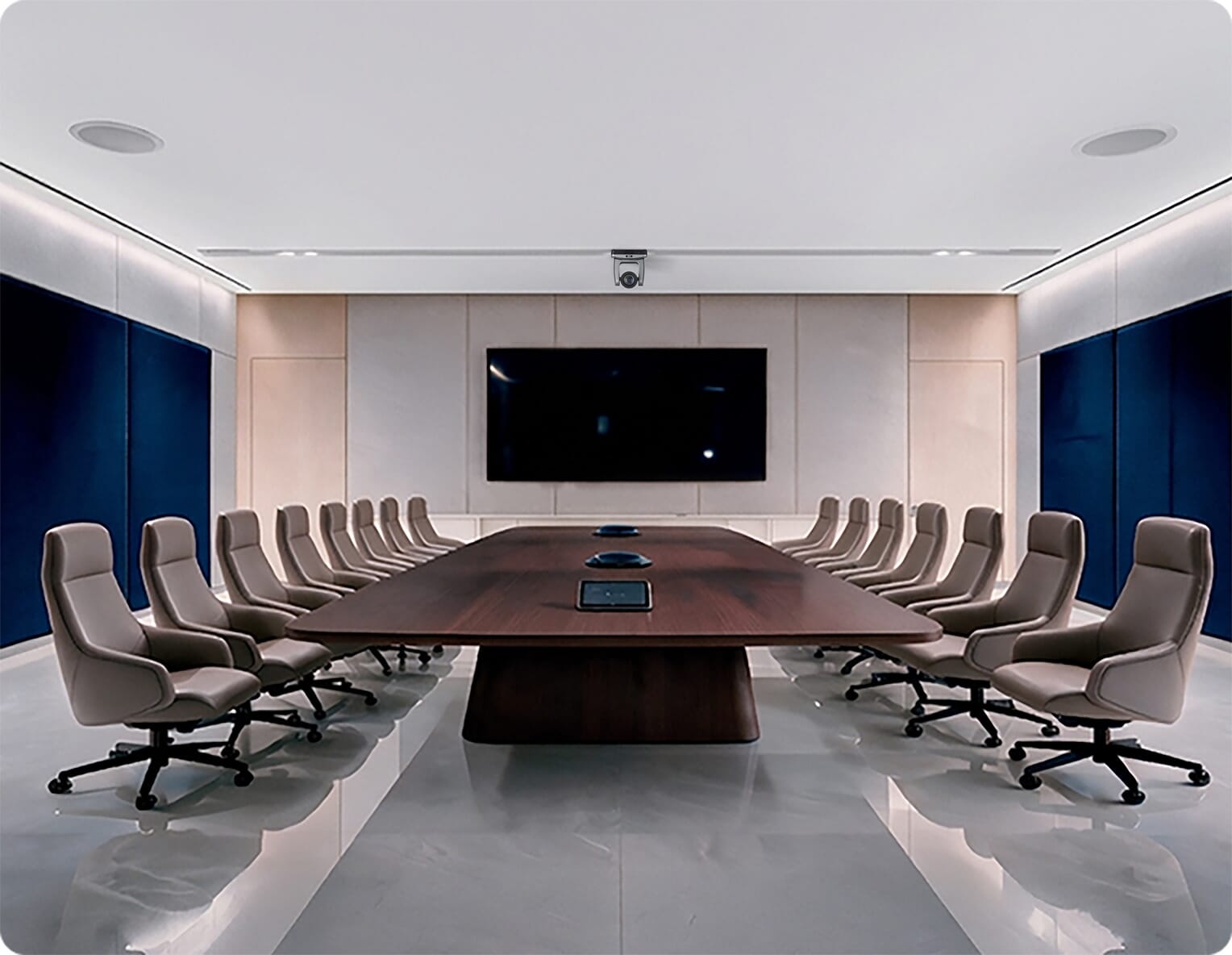
One 86 inch display
Tabletop microphones along the centre of the table
One ceiling camera above the display
Ceiling speakers, DSP and a table touch panel
Typical fit
the standard board table. Tabletop microphones cover every seat, and ceiling speakers keep remote voices natural.
6.4 m farthest seat for slides
On an 86 inch display, detailed spreadsheets stay readable to about 4.3 m from the screen.
Tabletop mics placed along the table
Mics are spaced along the table so every seat is close to one. Each speaker is picked up directly, without relying on the room's acoustics.
Floor & table boxes for mic, panel and power cables
Wired tabletop mics and the touch panel need cable routes through the table. Plan floor boxes and table cut-outs with your fit-out team before the table is ordered.
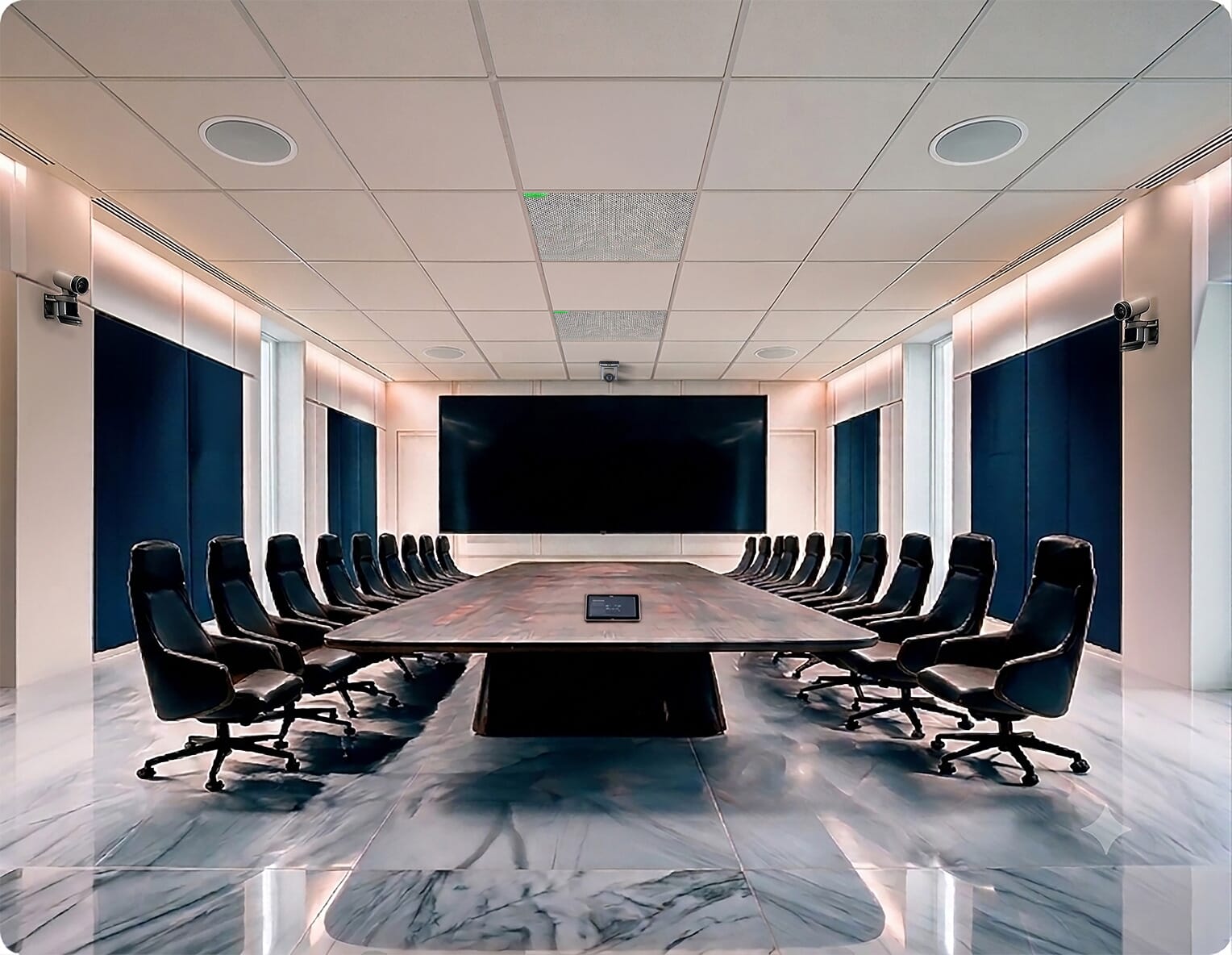
One 98 inch display, or two 86 inch displays
Ceiling array microphones
Multi-camera with speaker tracking
Distributed speakers, DSP and one touch panel
Typical fit
full boards with remote directors. Ceiling arrays cover every seat and keep the table clear.
7.3 m farthest seat for slides
On a 98 inch display, detailed spreadsheets stay readable to about 4.9 m. With two 86 inch displays, each screen covers about 6.4 m, one for people and one for content.
Ceiling arrays up to about 9 m × 9 m each
A large-format ceiling array covers a wide zone, so one or two arrays cover the whole table with nothing on it.
≈ 3 m ceiling standard array height
Ceiling arrays are specified for ceilings of around 3 m. Taller rooms may need an extra array or table mics. A 98 inch display is about 1.22 m tall and 2.17 m wide.
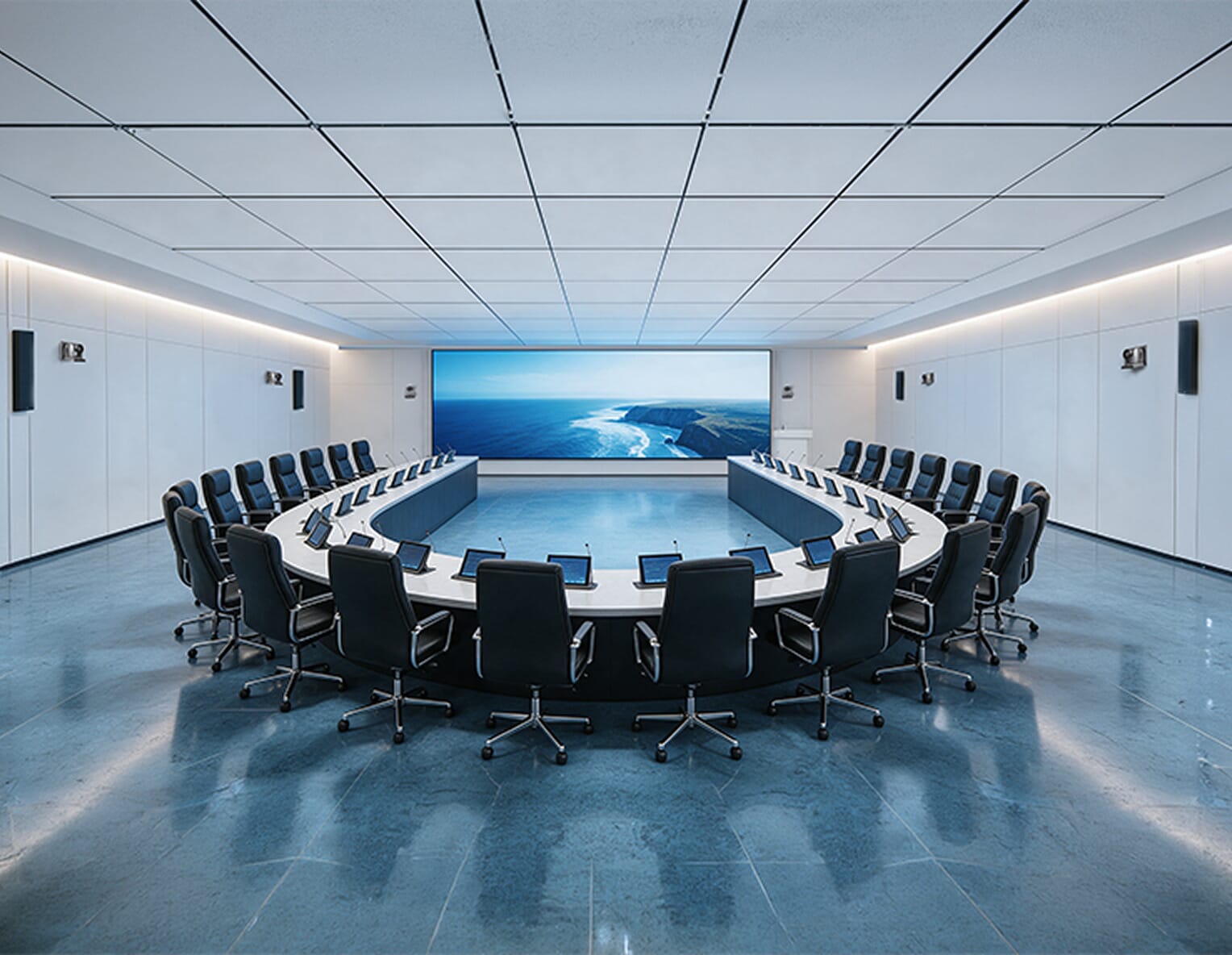
136 inch LED wall, plus retractable monitors at the seats
Gooseneck microphones at every seat and at the podium
Multiple cameras, plus a confidence camera covering the far end
Touch panels, a presenter podium and zoned audio
Typical fit
AGM-style rooms and full boards. Speakers present from the podium, and retractable monitors keep every seat close to the content.
10 m farthest seat for slides
Slides stay legible to about six image heights. Spreadsheets need roughly four.
Goosenecks per seat plus the podium
One large-format ceiling array typically covers around 80 m² at standard ceiling height [confirm per model].
Built into the table monitors, mics and cabling
Arrays specified for 3 m ceilings behave differently in taller rooms. Measure first.
Share your seat count and room size. Our engineers will point you to the right level.
We simplify boardroom AV setups in Dubai as a single partner managing audio, video, and IT without vendor gaps.
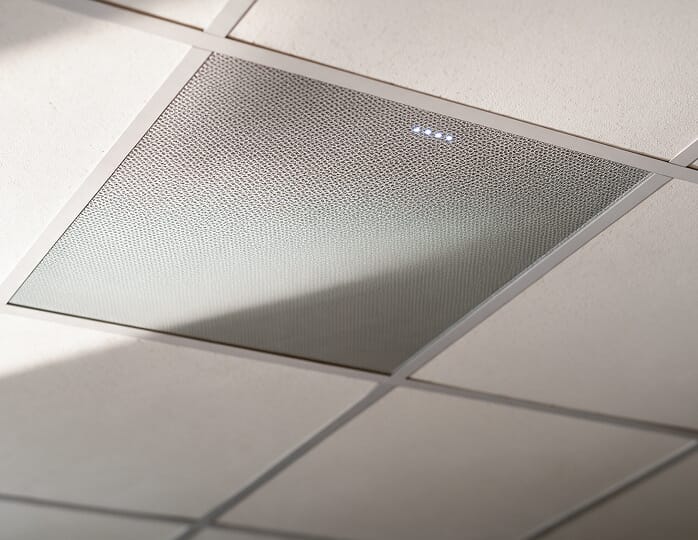
Beamforming arrays in the ceiling cover the whole table, with nothing on it.
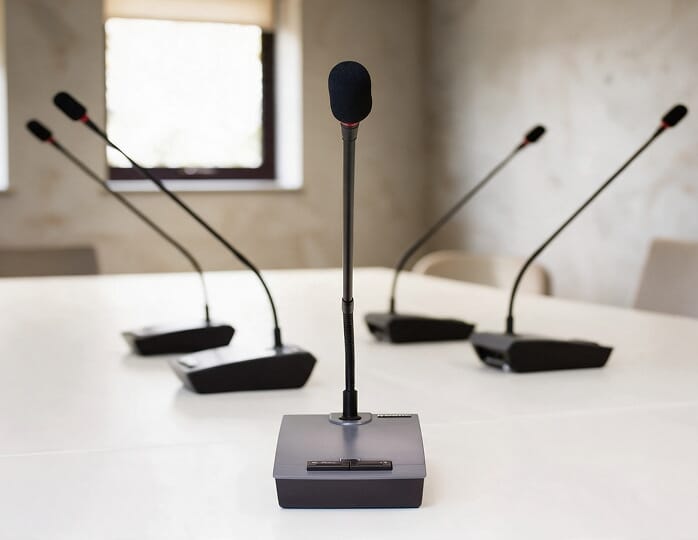
Push-to-talk mics at each seat and the podium, for formal meetings.
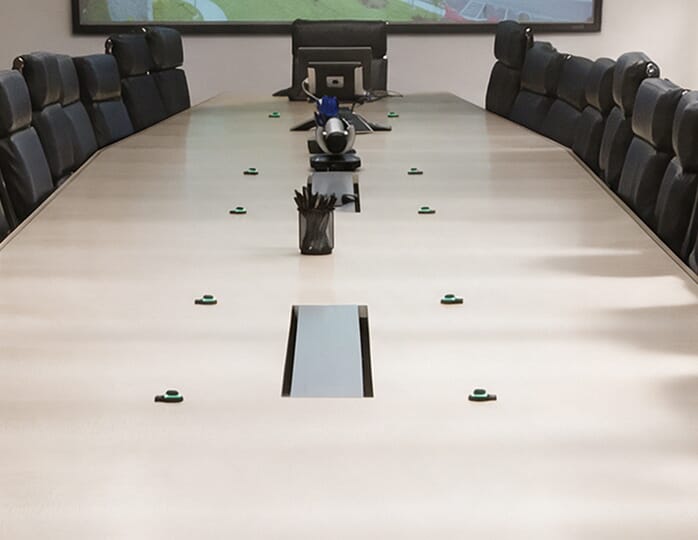
Flat, low-profile mics that sit directly on the table surface.
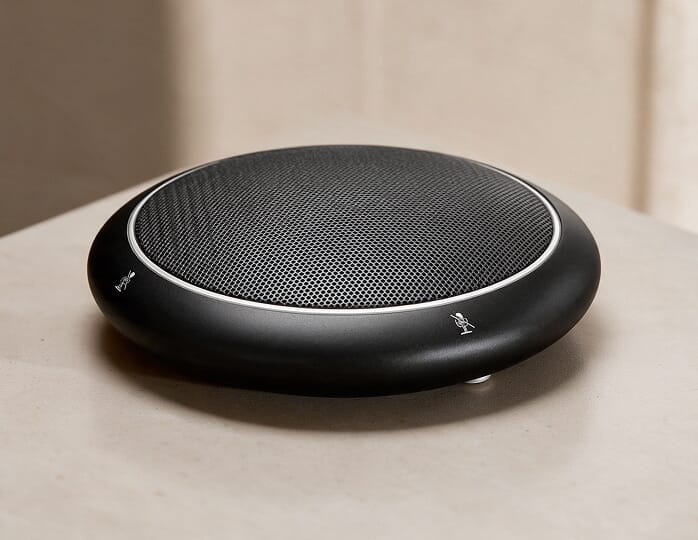
Freestanding desk mics with mute buttons for mid-size tables.
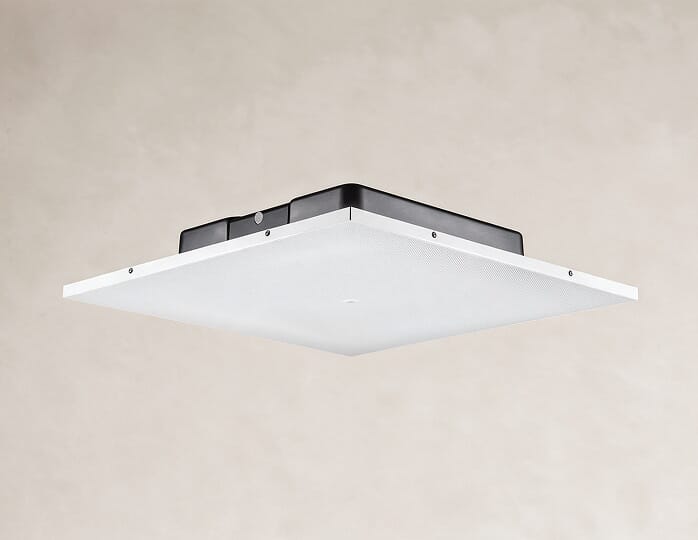
Even sound across the table, with nothing on the walls.
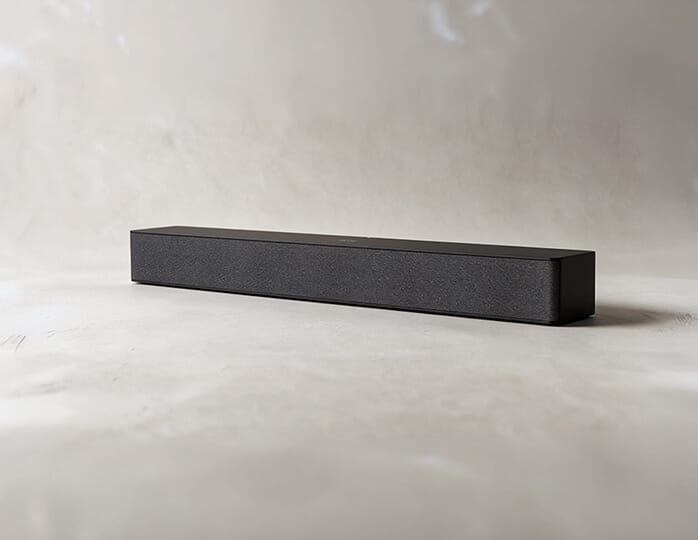
Compact speakers mounted with the display in smaller rooms.
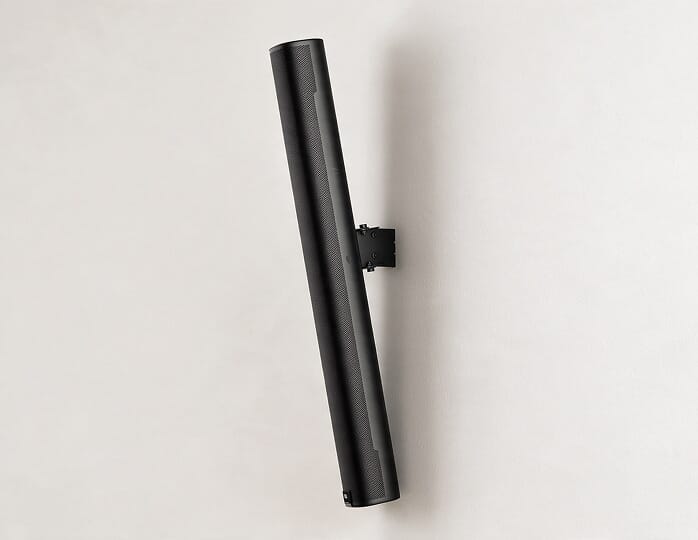
Speech carried clearly to the back of long rooms.
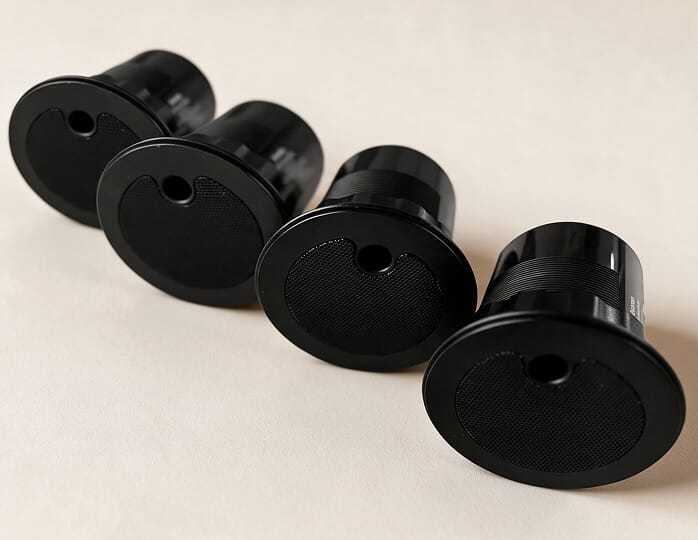
Mask speech outside the room so discussions stay private.
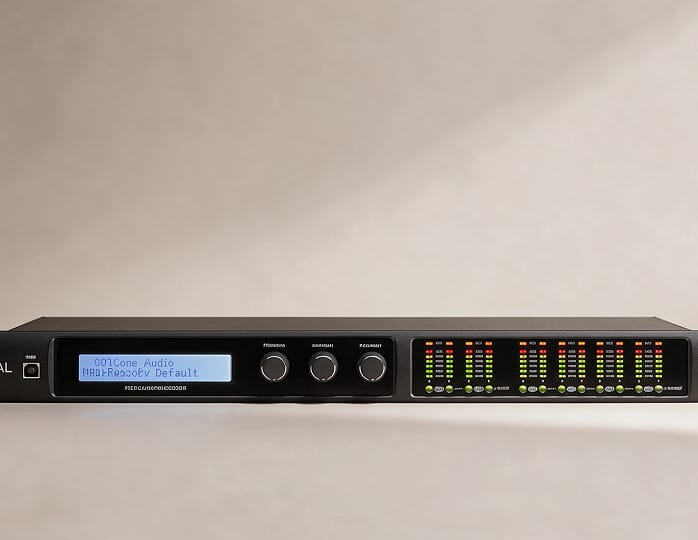
Remove echo and background noise before audio reaches the call.
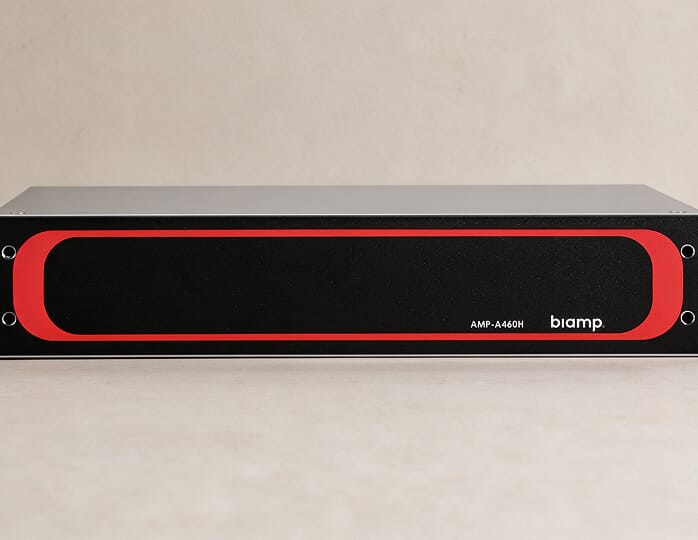
Power ceiling and wall speakers from the equipment rack.
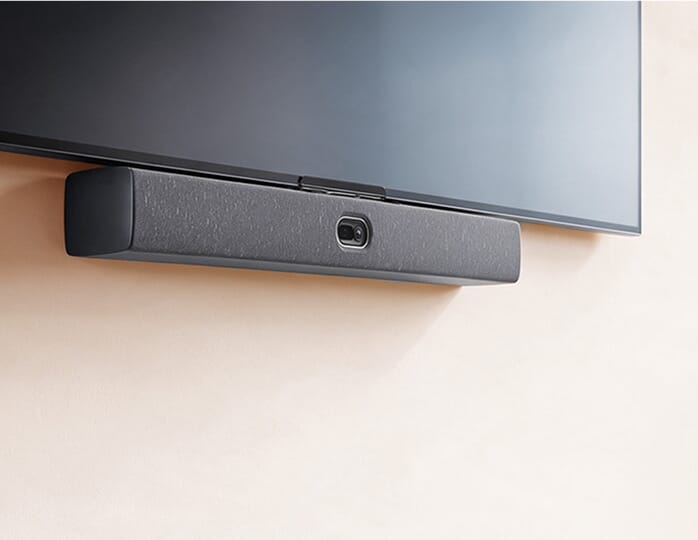
Camera, microphones and speakers in one unit for smaller boardrooms.
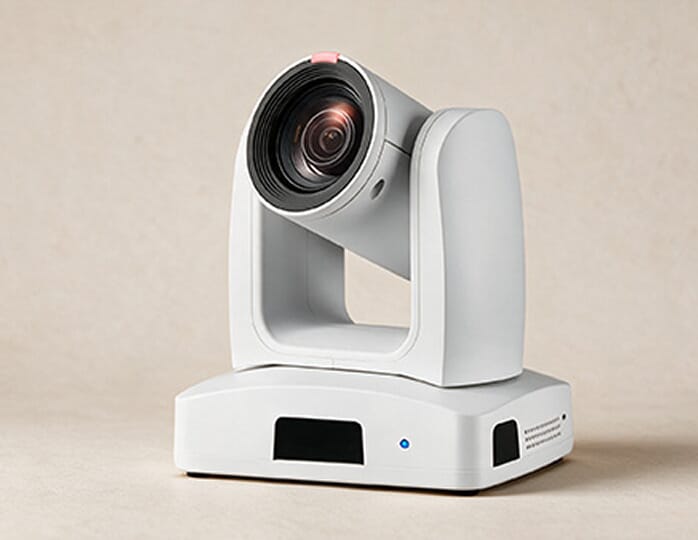
Pan, tilt and zoom for long tables, mounted at the front or at the rear as a confidence camera.
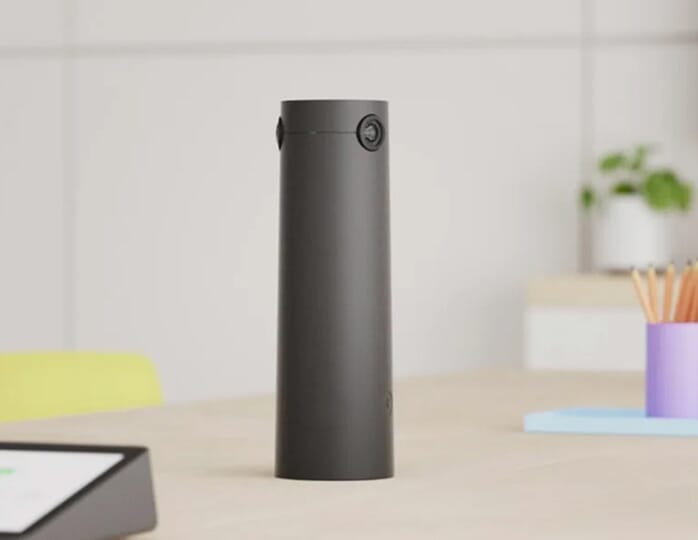
360° cameras in the middle of the table capture every face head-on.
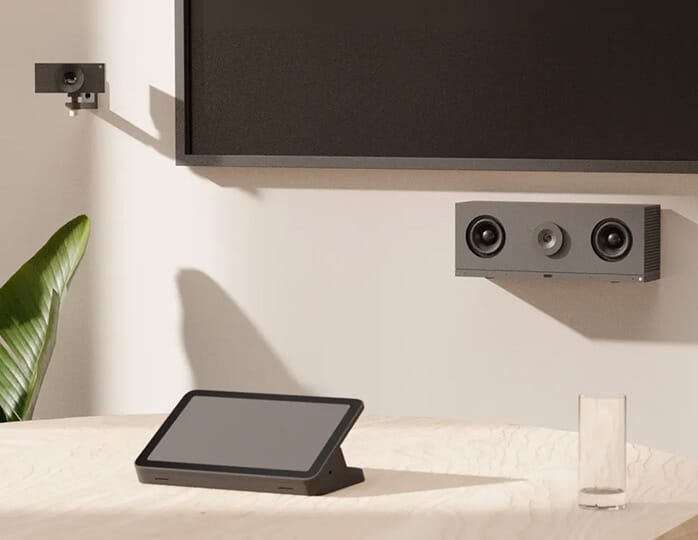
Two or more cameras with AI switching that always show the active speaker.
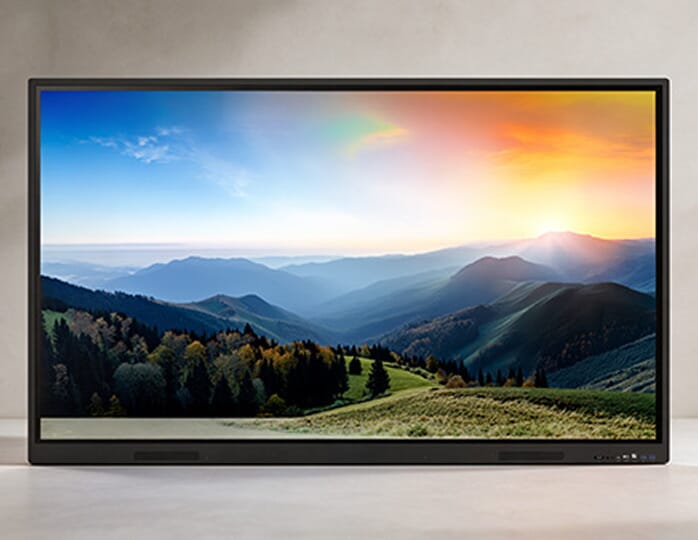
55 to 110" panels with touch options for whiteboarding and markup.
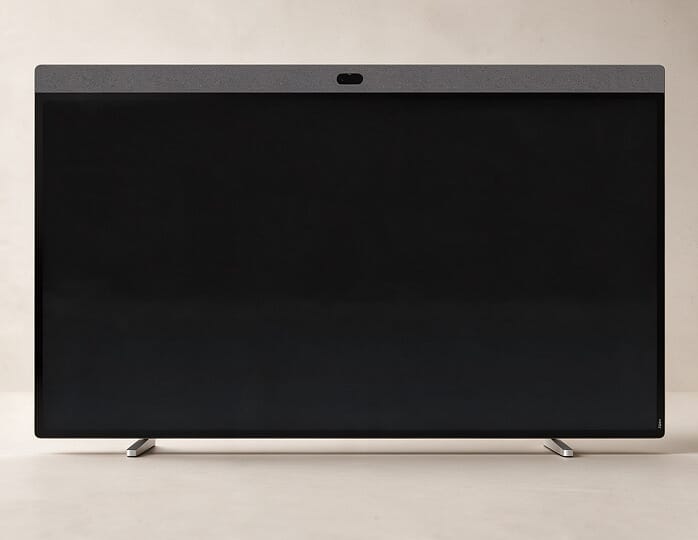
32 to 86" displays with a built-in camera, mics and speakers for simple, one-device rooms.
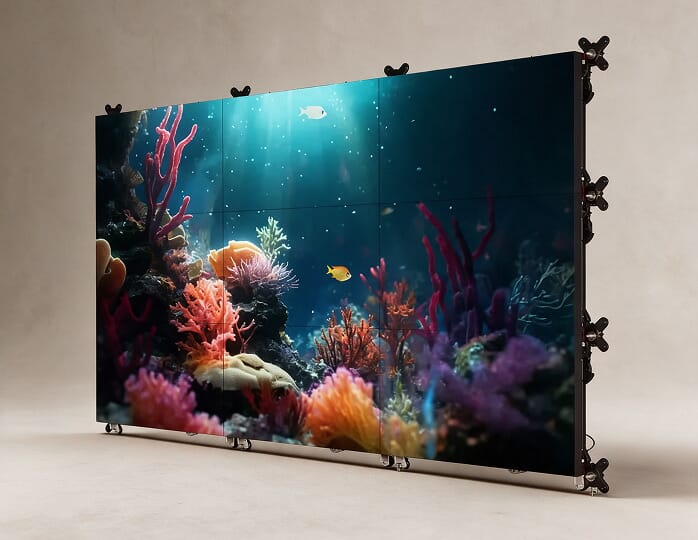
136 inch and larger walls for long tables and dense content.
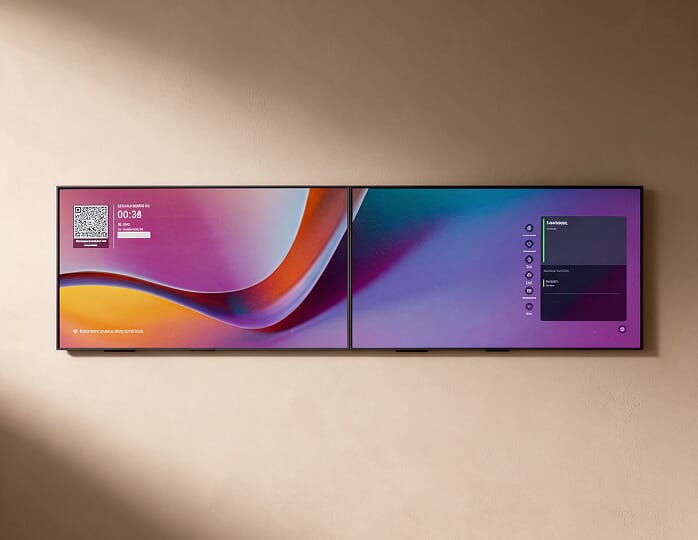
People on one screen, shared content on the other.
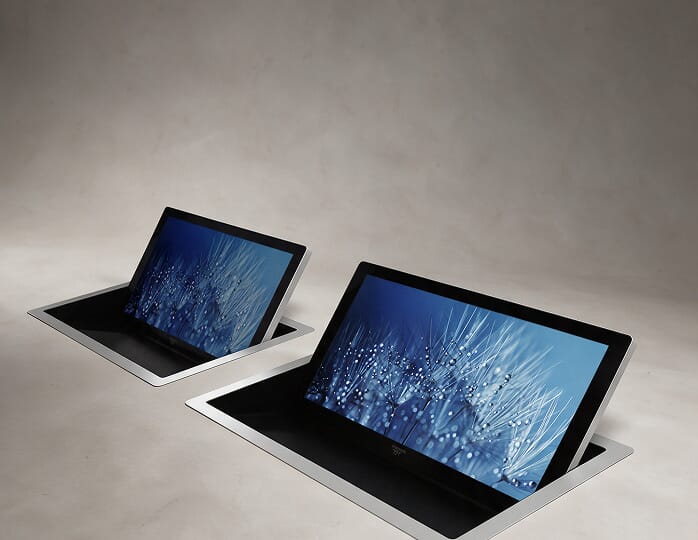
Seat-level screens that rise from the table and fold away after.
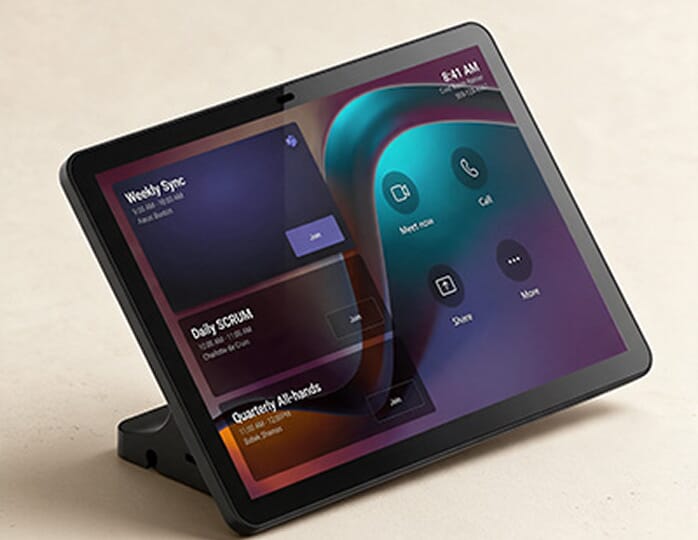
Table or wall panels that run the whole room from one screen.
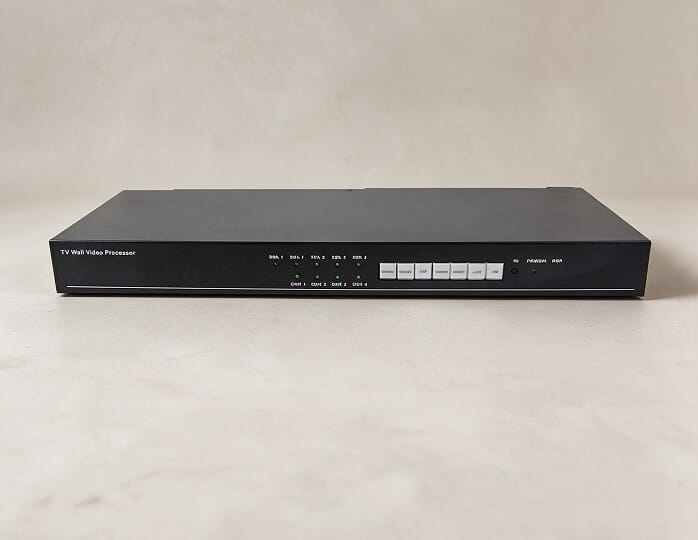
Tie audio, video, cameras, lighting and blinds together, with one-touch scenes for each type of meeting.
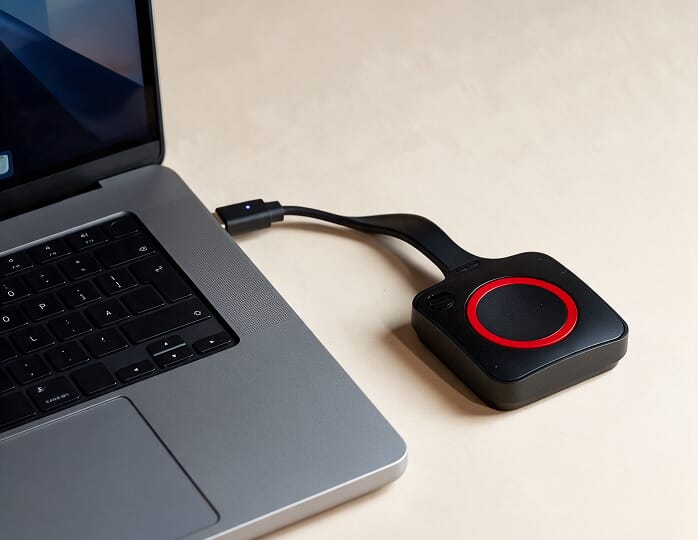
Guests share from their own laptop in seconds.
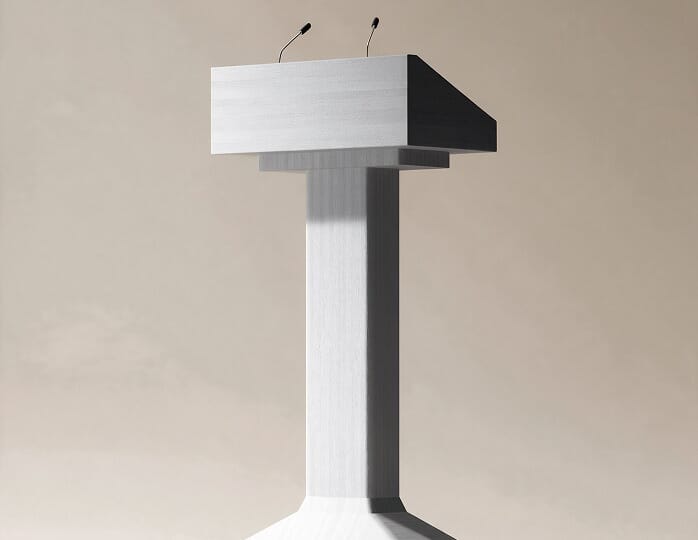
A fixed speaking position with a gooseneck mic and room controls.
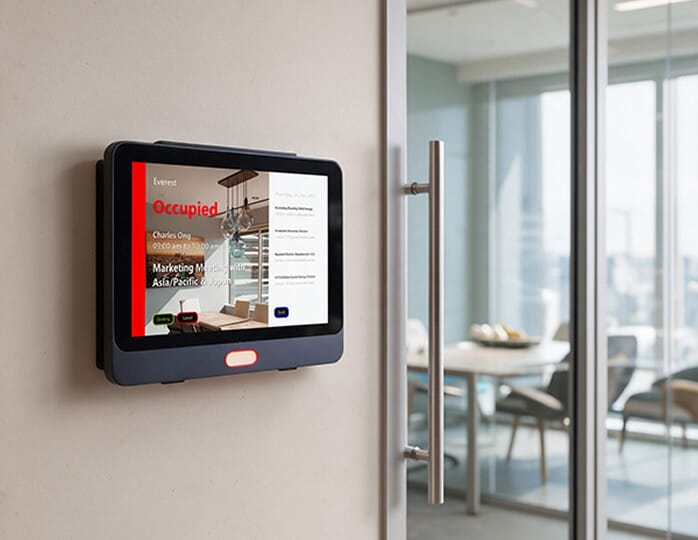
Show availability at the door and sync with your calendar.
We design with the brands your IT team already trusts, chosen for your room, not for a margin.

























Smart AI capabilities in our boardroom audio visual solutions automate video switching, refine voice pickup, and track room usage in real time.
Auto-recomposes shots to keep faces clear.
Blends multi-camera feeds as speakers talk.
Tracks walking speakers within a set zone.
Filters background noise and ignores sound from outside the table zone.
Translates speech live, with captions in each attendee's language.
Generates automated transcripts and notes.
Displays and audio start as people walk in.
Compares room bookings against real seat use.
*Device level features such as framing and noise control come with the hardware while platform features like live transcripts depend on your Teams or Zoom license tier. Once commissioned, we integrate both layers to run unified on your boardroom AV system.
Most boardroom AV failures stem from misinterpreted room acoustics and delayed design choices. Early surveys and tests prevent operational friction before installation.
Reflective room surfaces cause heavy echo, preventing remote directors from following the conversation.
Decisions get repeated or missed
We test room acoustics, steer ceiling mics to seats, and tune DSP echo filters to your room's measured decay.
Intelligible audio for every participant
Scattered remotes, wrong display leads, and complex meeting joins waste valuable time before every call.
Delayed calls and frequent IT intervention
Our engineers program a single interface for audio, display, camera and lighting, then test it before sign-off.
Meetings start on time without IT assistance
Catalog display sizes ignore room depth, making spreadsheets unreadable past the middle of the table.
Forced to rely on paper handouts
We size the display from your viewing distance and move to an LED wall when the table is too long for any panel.
Legible text across all seats
Private discussions drift into hallways while shared guest Wi-Fi exposes sensitive board data.
A governance and security risk
Exterior acoustic masking protects board privacy, and encrypted calls run on a dedicated network segment.
Board conversations stay private
When calls drop, AV installers blame networks, and the IT team points back. Neither group owns the faults.
Faults that stay open for days
GS IT handles both AV and the underlying networks, so there is one number to call and one team accountable.
Single-point technical accountability
Exposed cables, desk microphones, and floor boxes clutter tabletops and ruin luxury finishes.
A clumsy and negligent appearance
Equipment hides inside joinery and ceiling voids, with wireless tools eliminating table leads.
A polished, executive finish

From the initial site visit to final commissioning, GS IT delivered a flawless audiovisual setup on schedule. Our IB Diploma Drama & Theatre facility at Raha International School is now fully equipped with state-of-the-art lighting and sound infrastructure.
GSIT has been excellent in supporting our company. The supporting engineers, have been very responsive, professional, and helpful. Their dedication and timely support have made a real positive impact on our operations. We truly appreciate their efforts and highly recommend their services.
GS-IT has proven to be an invaluable partner, far beyond the role of a mere vendor. They proactively address potential issues before they escalate, and swiftly manage any arising problems with remarkable efficiency. Special recognition goes to onsite support and the entire support engineering team for their outstanding responsiveness and meticulous attention to detail. Their unwavering dedication ensures smooth operations and exceptional service. Highly recommended.
What businesses in Dubai gain when GS IT holds the whole scope for their boardroom AV solutions.
A typical boardroom project involves an AV vendor, a cabling contractor and a network team. With GS IT, it is one contract and one point of accountability.
Exact acoustic and sightline maps built before pricing.
Our team programs touch panels for smooth operation.
Live trial calls test every setup prior to handoff.
Clean cable routes and finishes with your contractors.
Add preventive visits and SLA-based response after handover, if you need it.
The structured route GS IT follows to set up boardroom spaces for corporate offices across Dubai and the UAE.
We measure the room before we price it. Everything that follows is sized to what we find here.
You see exactly what will be built, and where, before a single item is ordered.
Before anything is ordered, you see and hear the proposed equipment working, so the decision rests on experience, not a datasheet.
The rack is built, wired and powered up in our workshop, not in your boardroom.
We work alongside your interior and MEP contractors so cable routes and finishes stay clean.
This is where the room is tuned to sound and behave like your room, not a showroom.
Your team runs real calls in the room before we call the project complete.
Want to protect your boardroom AV reliability long-term? GS IT's AMC provides scheduled preventive maintenance and quick remote troubleshooting for your space.
Hardware installation typically takes three to five weeks once equipment arrives, followed by commissioning and one to two days of testing and handover. The survey and design move ahead of that, progressing at the speed of layout drawings getting approved, while procurement depends on equipment lead times. If your space requires acoustic panels, those must be fully installed prior to AV deployment.
Yes, existing equipment can be reused if it matches your new layout and performance needs. Functional displays and speakers often integrate well into an updated boardroom system. However, older video codecs and video bars rarely carry over due to evolving Zoom and Teams software requirements. A pre-project survey identifies reusable gear.
A sixteen-seat table is usually covered by two tabletop microphones placed along its center, so every seat sits close to one. If the table must stay clear, a single ceiling array can cover it instead, as large-format units reach up to about 9 m × 9 m. A second array or extra table mics is only necessary for ceilings well above 3 meters or when specific seats require dedicated audio priority.
A 98-inch panel works well for standard presentation slides, staying legible up to about 7.3 meters. However, detailed spreadsheets on the same panel stay readable only to about 4.9 meters, well short of the far end of a six-meter table. For dense data, an LED video wall of 136 inches or larger is usually the better path, with retractable monitors bringing content closer to the farthest seats.
Only once the room outgrows the bar. Up to around twelve seats, an all-in-one video bar handles pickup and echo cancellation on its own, but its front-mounted mics lose clarity beyond that. When planning a larger boardroom conference system, tabletop or ceiling array microphones are paired with a dedicated DSP to handle echo cancellation and keep all voices clear to the far end.
Acoustic work must wrap up before AV installation begins. Wall panels and sound baffling alter room reverberation, directly impacting how microphone gain and processing are calibrated. Installing panels afterward means re-tuning the system and extending project timelines.
We study your room dimensions and physical build to design an integrated boardroom AV system that minimizes sound leakage. Acoustic masking emitters outside the room obscure residual speech bleed. We provide the best boardroom video conferencing solutions with encrypted calls running on a dedicated network segment, kept apart from guest Wi-Fi and managed under your existing IT security policies.
Yes. Once the design drawings are approved, a product demo lets your team see and hear the shortlisted microphones, cameras, and displays working side by side, and try the touch panel and one-touch join. Final equipment choices are confirmed only after that session, so the order is based on what your team experienced firsthand.
On-device processing like active speaker tracking and background noise suppression comes built into the hardware. Higher-level features like automated meeting transcripts and action item generation run on your video platform, depending entirely on the license tier your organization maintains.
Your internal IT staff manage day-to-day operations using the training and documentation provided at handover. For ongoing maintenance, an optional AV AMC agreement adds quick remote troubleshooting, scheduled preventive visits, and SLA-backed response times.
Connect with our engineers to review your space and discuss the suitable boardroom meeting setup.
Single-vendor deployment eliminates vendor handover gaps across your entire executive meeting space.
Address
GS IT (Global Surf IT Infrastructure)
SIT Tower, Dubai Silicon Oasis
P.O. Box 13653, Dubai, UAE
Working Hours
Monday - Friday : 8.30am to 5.30pm
Remote Support : Available 24/7
Call Us
+971 4 578 6518
Mail Us
hello@gs-it.ae