


Custom Room Design
Displays, cameras and audio selected around your room layout, seating capacity and meeting needs.

From compact huddle spaces to complete boardrooms, we survey, install, and support every meeting room technology layer in businesses across UAE.
Deploying AV in UAE
Instant Meeting Join
From Huddle to Boardroom
Teams, Zoom & Webex Hardware





GS IT delivers complete meeting room conference systems across Dubai, UAE, covering huddle spaces to executive boardrooms.
Displays, cameras and audio selected around your room layout, seating capacity and meeting needs.
Room technology that fits your conferencing platforms, network and security requirements.
Familiar controls for joining calls and sharing content make different rooms easier for your teams to use.
Beamforming mics, AI auto-framing, and easy content sharing drive active in-room and remote participation.
Equipment selected with compatibility, maintenance and future upgrades in mind to protect your investment.
One accountable partner for design, installation, configuration, commissioning and ongoing support.
GS IT designs smart meeting room solutions based on room size, headcount and how the space is used, from a daily stand-up to a board presentation.
Huddle room, 2–4 people
Turn a compact room into a ready-to-use space for quick catch-ups, interviews and focused hybrid calls.
Ideal for
Daily stand-ups, interviews, quick client calls
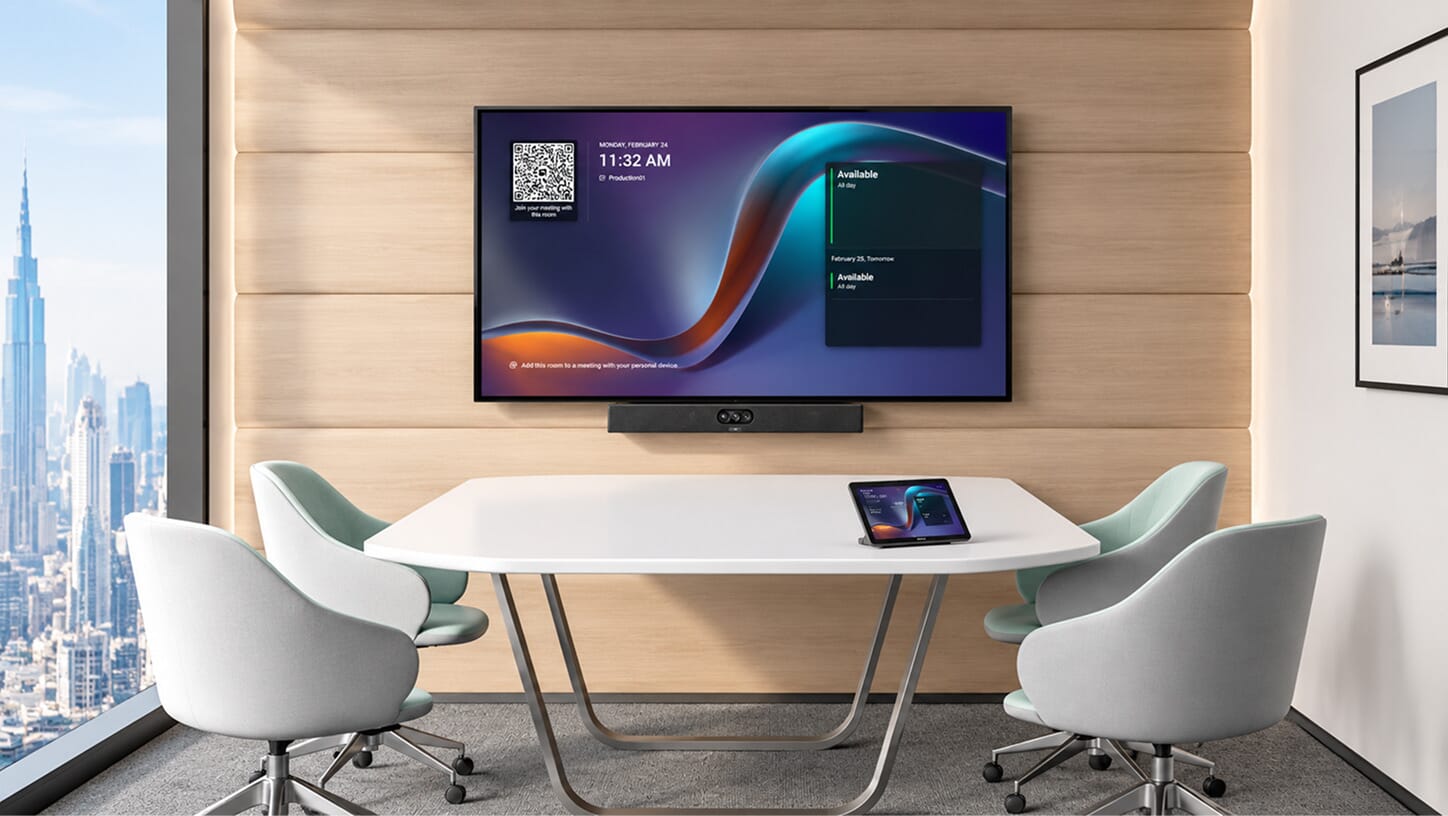
Keep the table clear and equipment compact.
Frame seats close to the screen and capture quiet voices.
Give occasional users a simple way to connect.
How this room is used
A compact space for two to four people to catch up, speak privately or bring a remote colleague into the discussion.
Scenario 01
A few colleagues step away from their desks to share progress, resolve a blocker and agree on the next action.
What the room should support
A shared screen for updates and a simple way to bring a remote teammate into the conversation.
Scenario 02
An interviewer and hiring manager meet a remote candidate, or a manager holds a focused check-in with a colleague.
What the room should support
Close-range camera framing and clear speech so the conversation feels personal.
Scenario 03
Two or three team members join a customer call to clarify a requirement or answer a question together.
What the room should support
A compact camera and audio setup that includes everyone, with laptop sharing when needed.
One room can support several of these activities. We plan the equipment around the way your team actually uses the space.
Small meeting room, 5–8 people
A room for five to eight people to share updates, meet customers and work through ideas together.
Ideal for
Team meetings, project reviews, client discussions
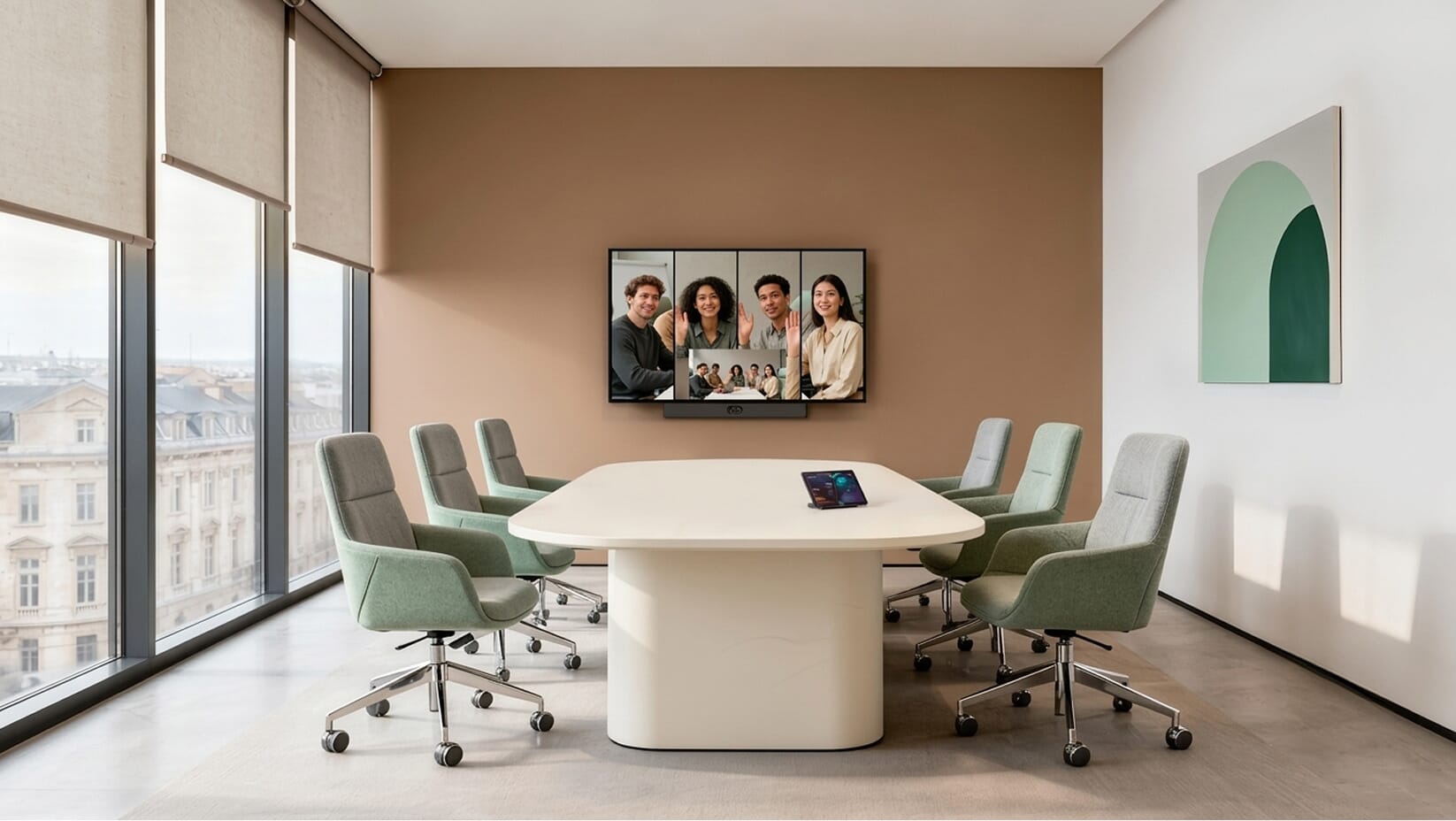
Make voices clear at both the near and far seats.
Support the way staff and visiting presenters connect.
Make calls, presentations and sharing easy to control.
How this room is used
Scenario 01
The team gathers around the table to review priorities, share project updates and agree on next steps, with remote colleagues joining the call.
What the room should support
Camera and microphone coverage for the full table, with straightforward joining and screen sharing.
Scenario 02
Sales, account and delivery teams walk a customer through a proposal or demonstration, whether the guest is in the room or online.
What the room should support
Readable presentations, clear two-way conversation and a tested connection for visiting presenters.
Scenario 03
A small project team shares designs, compares ideas and works through feedback on the same screen.
What the room should support
Easy content sharing, with an interactive display and saved whiteboard notes when annotation is part of the work.
One room can support several of these activities. We plan the equipment around the way your team actually uses the space.
Medium conference room, 9–12 people
A room for nine to twelve people to review work across departments, present to stakeholders and run collaborative sessions.
Ideal for
Department meetings, hybrid workshops, presentations
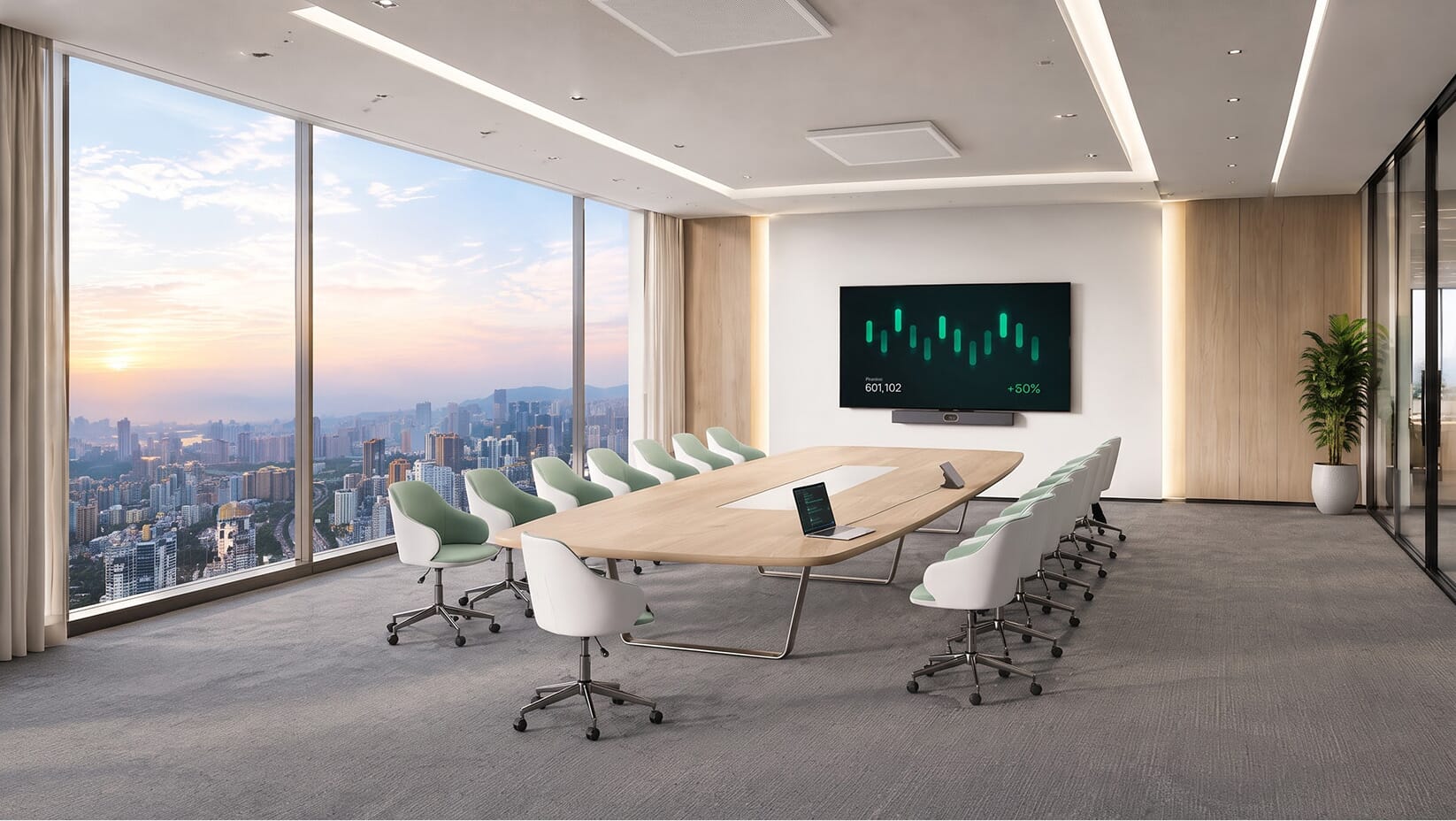
Plan microphone coverage for a longer table.
Balance camera framing with presentation sightlines.
Let different presenters share without interrupting the meeting.
How this room is used
Scenario 01
A department meets colleagues from another office to review performance, coordinate work and make decisions together.
What the room should support
Clear voices along the longer table and camera views that include the far seats.
Scenario 02
Several stakeholders review a proposal, project milestone or demonstration while remote customers ask questions and contribute feedback.
What the room should support
Content visible from every seat, clear presenter audio and a simple way to switch between presenters.
Scenario 03
People from different teams map a process, review requirements or develop a plan together, including colleagues joining remotely.
What the room should support
Shared content and optional digital whiteboarding, with separate views of participants and working material where useful.
One room can support several of these activities. We plan the equipment around the way your team actually uses the space.
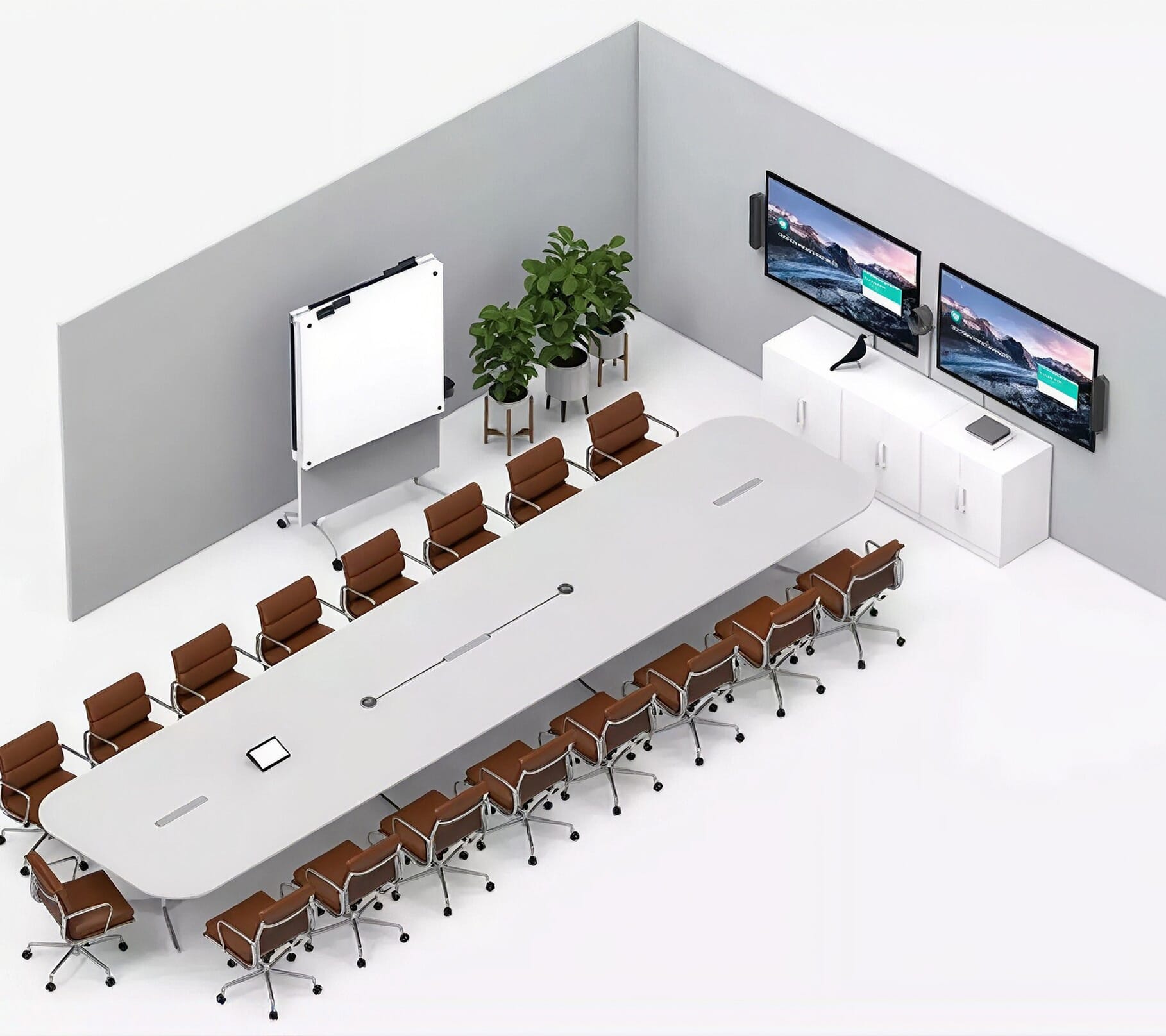
Large room / boardroom, 13–20 people
A boardroom for thirteen to twenty people, built for leadership discussions, formal reviews and meetings across locations.
Ideal for
Board meetings, leadership reviews, executive presentations
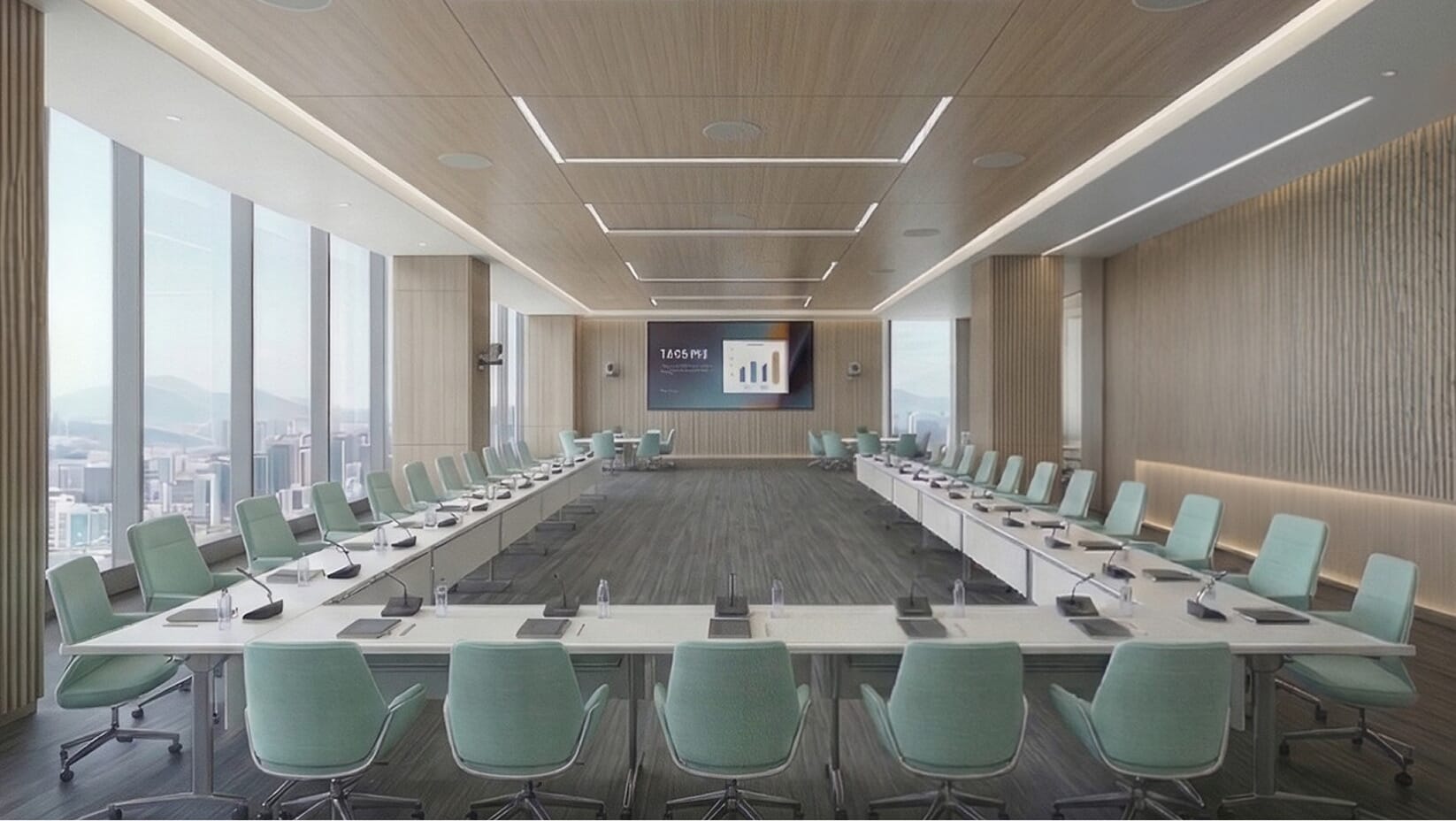
Cover long tables and quieter speakers consistently.
Plan camera views for the table, speaker and presentation.
Coordinate a complex room through a simple interface.
How this room is used
Scenario 01
Directors and senior leaders review results, discuss strategy and make decisions, with some attendees joining from another location.
What the room should support
Consistent voice coverage across the long table, useful camera views and simple meeting controls.
Scenario 02
Senior teams host customers or partners for proposals, negotiations and detailed business reviews involving multiple presenters.
What the room should support
Clear presentation sightlines and a tested guest connection to the room's displays, cameras and audio.
Scenario 03
Regional teams present updates to leadership, compare performance and discuss priorities with colleagues across several offices.
What the room should support
A clear view of both people and presentations, with camera coverage planned for speakers around the room.
One room can support several of these activities. We plan the equipment around the way your team actually uses the space.
Training / custom, 21+ or flexible layout
For audiences of twenty-one or more, or rooms with changing layouts, start with how the space will be used.
Ideal for
Town halls & presentations, large-scale training sessions
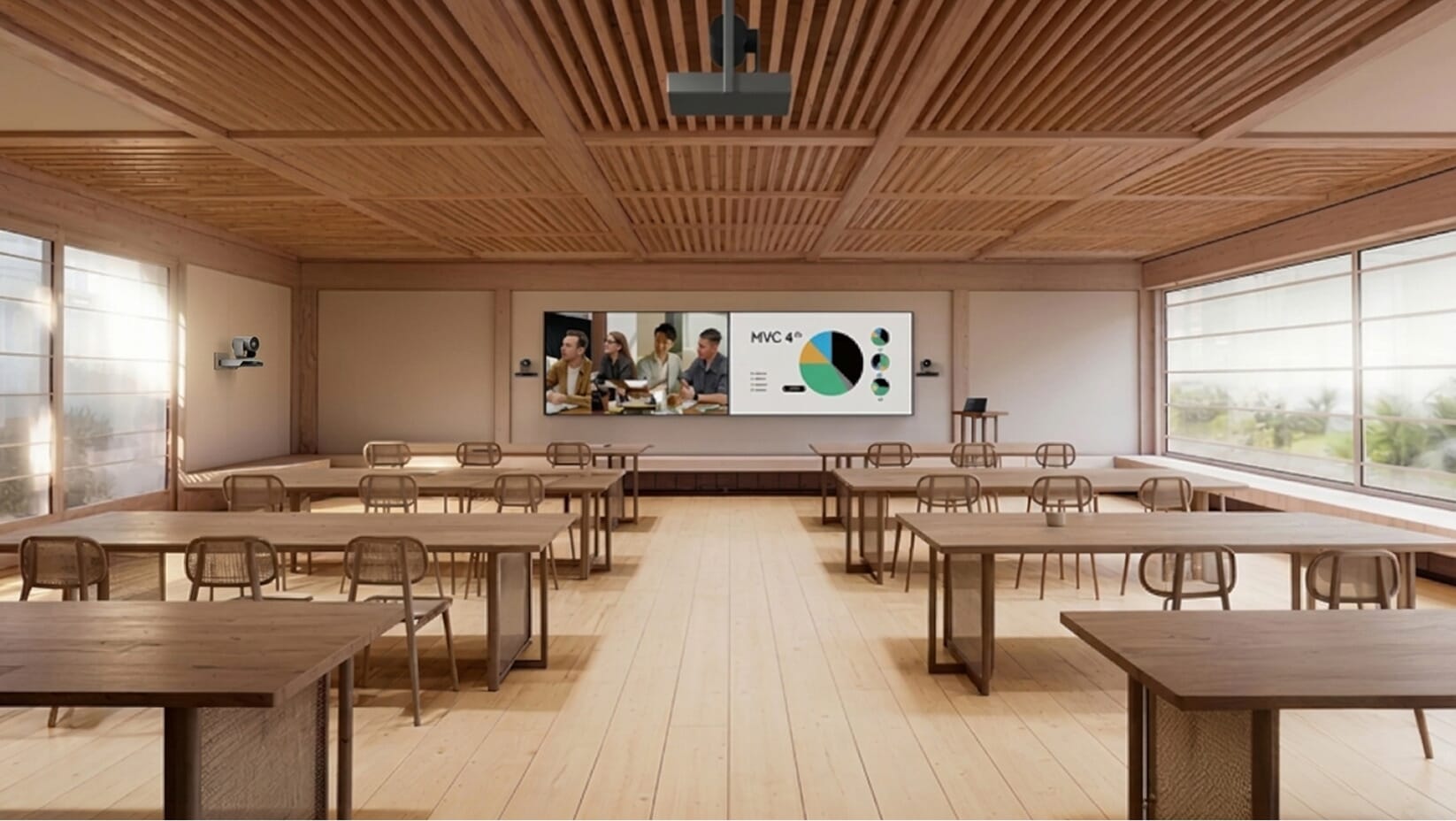
Keep speech clear and content readable for the full audience.
Support questions as well as the presentation.
Plan for training, events or divided-room use.
How this room is used
Scenario 01
An instructor delivers a workshop while attendees follow demonstrations, ask questions and join from other locations when required.
What the room should support
Readable content to the back of the room, presenter coverage and microphones for participant questions.
Scenario 02
Leadership addresses a large audience, shares company updates and takes questions from employees in the room and online.
What the room should support
Distributed sound, screens with suitable sightlines and camera views for the presenter and audience.
Scenario 03
Two groups meet separately in partitioned rooms, then the space opens up for a larger joint session.
What the room should support
Separate AV zones and agreed control presets, tested for each combined and divided configuration.
One room can support several of these activities. We plan the equipment around the way your team actually uses the space.
Each service is available as a standalone engagement or as part of a fully integrated meeting room setup. GS IT handles supply, installation, configuration, and ongoing support of smart conference room solutions from a single point of contact.
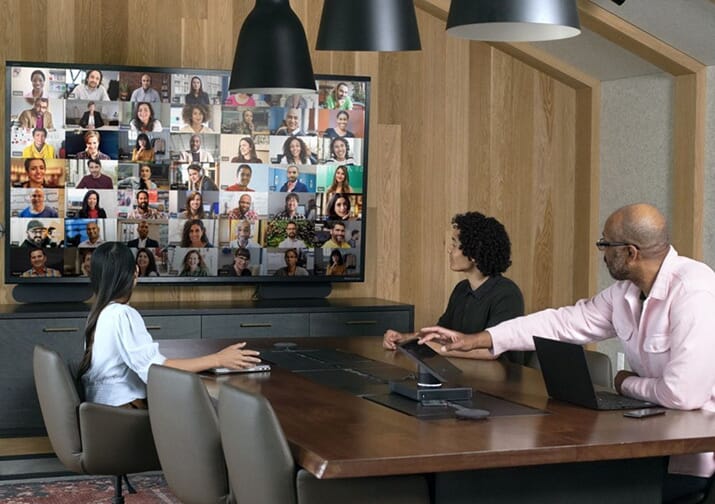
Teams, Zoom, and Webex-certified hardware with PTZ cameras and integrated audio.
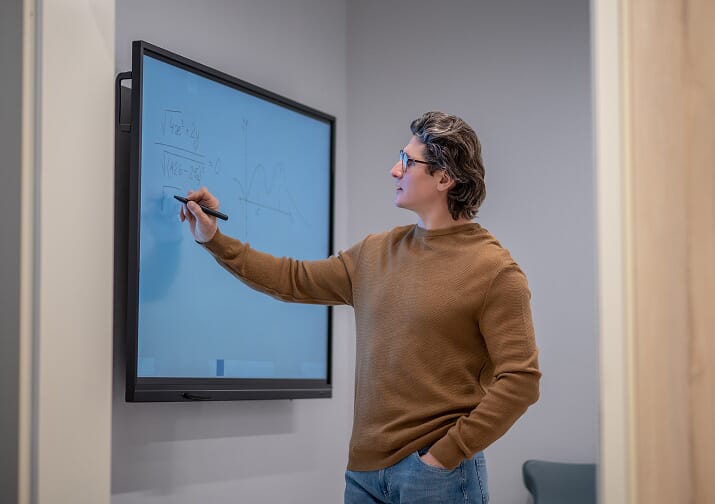
Touch-enabled panels for live annotation, collaboration, and wireless content sharing.
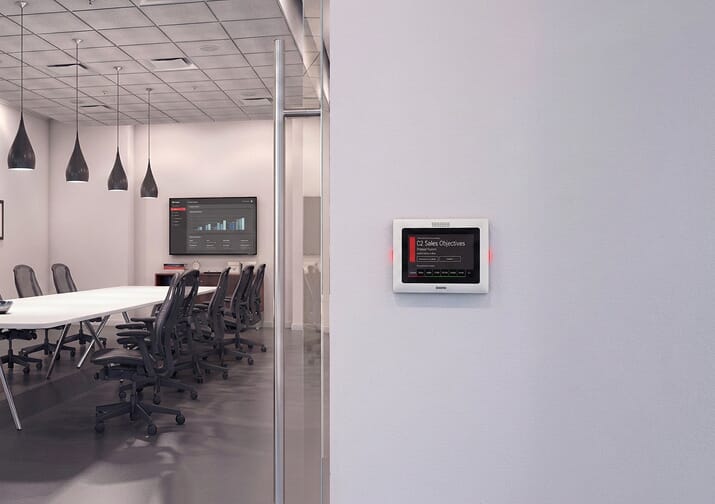
Door panels synced with Microsoft 365 or Google Workspace showing live availability.
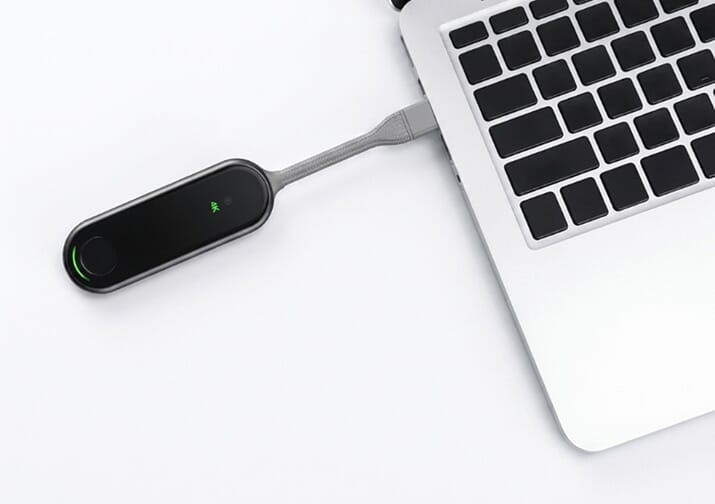
Cable-free screen sharing from any device, no app needed, on a segmented network.
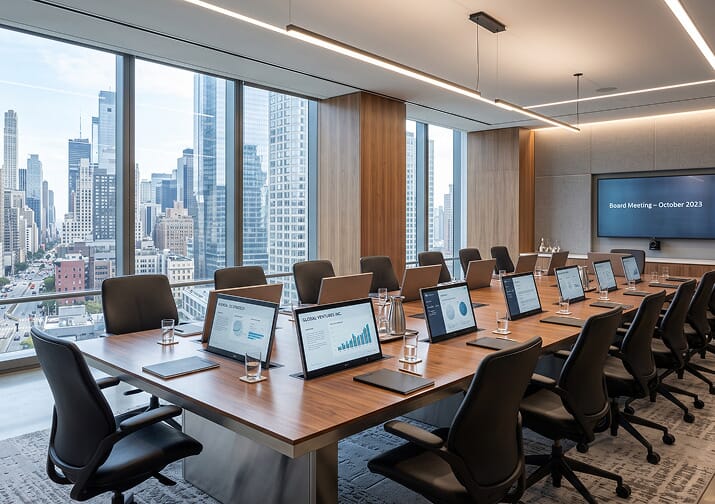
Flush-fitted pop-up monitors for individual table viewing without cable clutter.
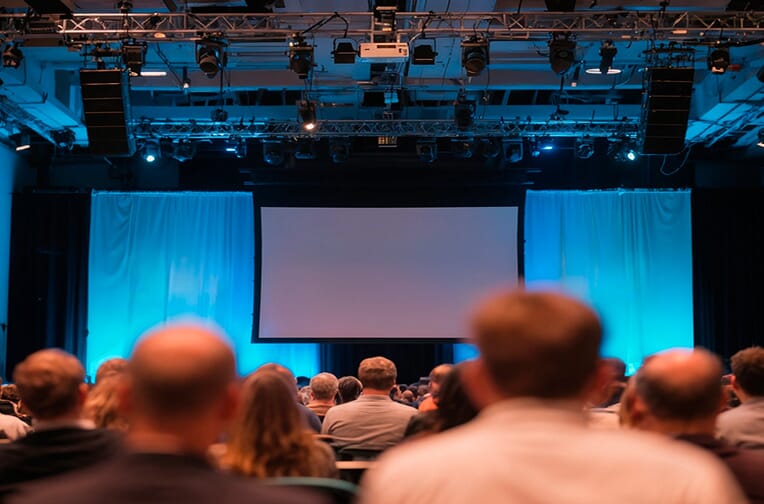
Short-throw and standard projection with motorized screens for training rooms.
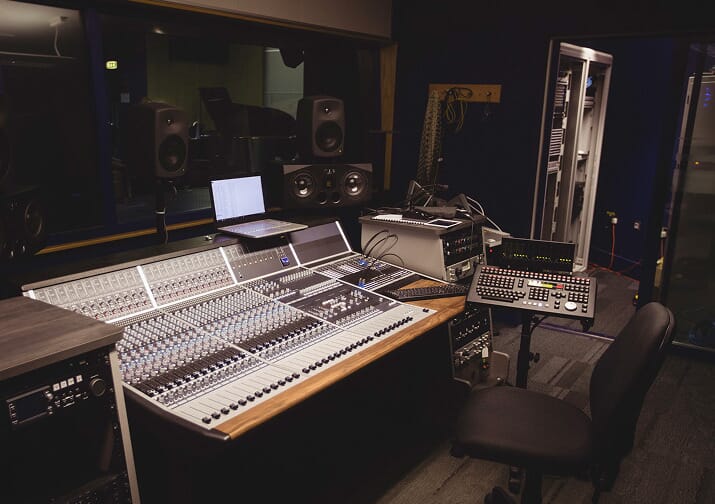
Ceiling and table mic arrays with acoustic DSP tuned to room geometry and seating.
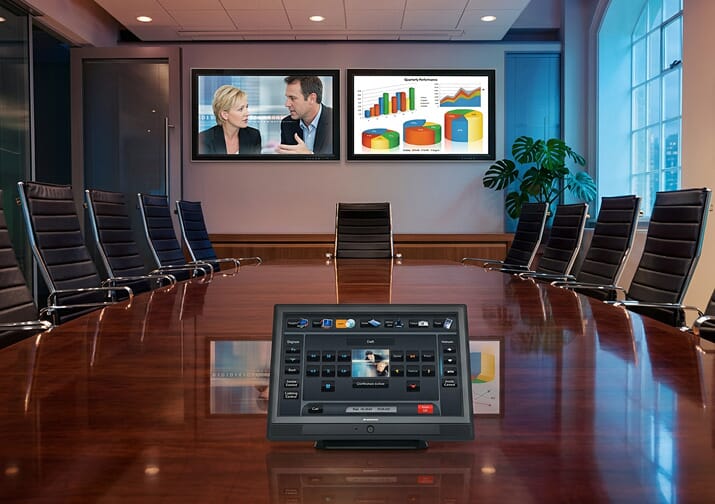
Centralized touch interfaces managing displays, audio, video, lighting, and climate.

We choose equipment for the room, not the other way round. We’re an authorized dealer for Crestron, QSC and Yealink.

























Experience a modern meeting room setup and see how technology works at every stage.
A scheduling panel shows live availability while corridor screens run from the same media platform.
Sensors register arrival and bring lighting, temperature, and blinds to the state the room holds.
Controls and connections sit within reach of the chair, and nobody leaves a seat to start a session.
Presentation content and remote faces stay legible for the person sitting in the last chair.
Beamforming mics and ceiling speakers deliver clear audio; smart cameras frame all members.
Room hardware joins the meeting platform and content moves to screen without a cable hunt.
Processing and transport equipment stays out of sight while holding the whole room together.
Eliminate tech delays and room friction. GS IT's conference room installations ensure every meeting starts fast and runs smoothly.
Join Teams, Zoom, Webex or Google Meet from the room controller, without plugging in a laptop.
Meetings start on schedule, not five minutes late.
Door panels sync with Microsoft 365 or Google Workspace, and occupancy sensors release no-show bookings.
No double bookings, and real data on how rooms are used.
Beamforming microphones, echo cancellation and camera framing tuned to the room and its seating.
Remote attendees hear and see everyone in the room.
Share a screen without cables or apps, or run the call from your own laptop on the room's camera and mics.
Presenters switch in seconds, with no cable hunt.
Annotate on the panel and save the session notes before the meeting ends.
Workshop output is captured, not photographed off a whiteboard.
One touch panel runs displays, cameras, audio, lighting and climate, with rooms managed remotely.
Fewer support calls and one familiar interface in every room.
 Microsoft Teams
 Zoom
Zoom
 Webex Meetings
 Google Meet
Booking conflicts, slow starts and unclear audio can interrupt a meeting even when the equipment is working. We look at the whole room, find the actual cause and fix it.
No booking panel at the door, or a panel that isn’t linked to the room calendar, leaves teams unsure who has booked the space.
We connect a room booking panel to your Microsoft 365 or Google Workspace calendar, so people can check availability at the door and bookings stay in sync.
Calls wait while someone finds a cable, signs in or works out which remote to use.
One-touch join starts scheduled Teams, Zoom or Webex calls from the table, and a tested wired or wireless connection lets laptops and guests share content straight away.
The room’s microphones pick up its own speakers, hard surfaces bounce sound around, or two laptops join the call with their audio on.
We plan microphone and speaker placement, tune echo cancellation, check whether the room needs acoustic treatment, and show users how to avoid duplicate audio connections.
A video bar’s microphones may not reach the far end of a larger table, leaving quieter voices out of the conversation.
We plan microphone coverage around the room and seating layout, add table or ceiling microphones where needed, and test speech pickup from every seat.

From the initial site visit to final commissioning, GS IT delivered a flawless audiovisual setup on schedule. Our IB Diploma Drama & Theatre facility at Raha International School is now fully equipped with state-of-the-art lighting and sound infrastructure.
GSIT has been excellent in supporting our company. The supporting engineers, have been very responsive, professional, and helpful. Their dedication and timely support have made a real positive impact on our operations. We truly appreciate their efforts and highly recommend their services.
GS-IT has proven to be an invaluable partner, far beyond the role of a mere vendor. They proactively address potential issues before they escalate, and swiftly manage any arising problems with remarkable efficiency. Special recognition goes to onsite support and the entire support engineering team for their outstanding responsiveness and meticulous attention to detail. Their unwavering dedication ensures smooth operations and exceptional service. Highly recommended.
Deploying a meeting room device in Dubai demands aligned network infrastructure, in-house programming, and reliable post-go-live care. GS IT unifies all three aspects through a single point of contact.
In-house programmers build custom code for one-touch starts, lighting presets, and blind controls. Centralized management operates across all your sites.
Technicians evaluate room acoustics during initial surveys to calibrate microphones and DSP settings. Precise audio tuning removes echo and keeps speech clear.
Pre-configured Microsoft Teams and Zoom Rooms kits arrive ready for deployment. Account details, touch controllers, and calendar links match your specific room setup.
GS AV, GS IT, and GS IT Security unify AV, networking, cybersecurity, and ELV under one roof. You get end-to-end integrated technology coverage from a single group.
We engineer critical command-and-control rooms where failure is never an option. Your boardroom receives that exact high-availability discipline and oversight.
Technical care extends far past initial launch through planned maintenance visits, round-the-clock remote diagnosis, and assigned on-site specialist options.
At GS IT, we follow a structured process to deliver the right meeting room solution designed around your collaboration requirements.
We assess your meeting room needs and review the site requirements.
Our engineers draft a precise layout matching your exact budget parameters.
Test core hardware features through an interactive product demonstration.
We source the right meeting room equipment through authorized channels.
Our team mounts AV equipment and connects cabling into your local network.
AV InstallationAV engineers configure DSP settings and program custom touch interfaces.
AV programmingEvery room is tested on real calls, from every seat, before we sign it off.
We guide your team through system training and deliver full documentation.
How every room is built and wired
Every device, model and location
Racks and rooms tested before you use them
For the people who use and manage the rooms
For the people who use and manage the rooms
Get 24/7 remote help desk access and SLA-backed onsite support with AMC.
GS IT's post-deployment services protect room technology beyond initial setup, providing technical reliability for daily collaboration.
Remote diagnostics and fixes, available around the clock.
Engineers on site across the UAE when a room needs hands-on work.
An AV maintenance contract with scheduled preventive visits.
One technician who knows your rooms, assigned to your account.
Room systems kept current with Teams, Zoom and device releases.
For new staff, new rooms or new features.
Yes. GS IT produces a tiered hardware specification, one bill of materials per room category, so each space gets equipment scaled to its size while the control interface looks and behaves the same in every room. With our meeting room solutions in Dubai, users are trained on one system, not five.
It matters considerably. MTR-certified conference room equipment unlocks one-touch calendar join, device management through the Teams Admin Center, and consistent call behavior. Uncertified meeting room systems often work initially but introduce inconsistencies over time that support teams cannot resolve remotely.
A video bar is an integrated unit combining camera, speaker, and microphone in one device, well-suited to rooms up to approximately eight seats. Larger rooms require separate PTZ cameras and dedicated ceiling or tabletop microphone arrays to achieve adequate coverage for all participants in the space.
Our engineers survey the room before any work starts and plan cabling routes that minimize disruption to existing finishes and adjacent spaces. Our technicians handle structured cabling, conduit, and any wall or ceiling penetrations and complete the conference room installation on the agreed schedule.
Yes. Scheduler panels from the brands we supply are compatible with Google Workspace, Microsoft 365, and Exchange on premises. Configuration is handled during commissioning and once set up, the panel requires no ongoing management from your IT team.
Clients on an AMC contract receive priority on-site response. GS IT engineers are Dubai-based, so same-day or next-business-morning attendance is the standard for critical failures. Quarterly preventive maintenance visits under AMC also reduce the likelihood of faults occurring close to high-priority events.
If the room is used for whiteboarding, training, or multi-presenter sessions, go with interactive conference room display solutions. If it's purely for video calls and content viewing, a standard commercial display is sharper and cheaper. We'll tell you which fits based on how the room actually runs.
Yes. GS IT conducts a technical audit of the existing installation, documents all hardware and configuration, and brings the room under our AMC. Where meeting room technology is outdated or incorrectly configured, we provide remediation options and costs before assuming ongoing responsibility for the system.
Enterprise wireless meeting room solutions like presentation systems from Barco and comparable vendors support network segmentation, guest isolation, and encrypted transmission. GS IT configures them on a dedicated VLAN to ensure presentation traffic does not travel across the corporate network.
A single room with an approved design typically takes three to seven business days, covering hardware delivery, installation, and full commissioning. Multi-room projects are phased and scheduled to avoid affecting adjacent spaces or business operations during working hours wherever possible.
Tell us about your rooms and pick a date. A GS AV engineer will review them with you and recommend what each room needs.
We call you back
Within 60 minutes during working hours
We review your rooms
On site, or from a floor plan and photos
You get a room-by-room plan
Equipment, layout and a clear quotation
Prefer to talk now? +971 4 578 6518 · hello@gs-it.ae
Request a Call Back
Let’s discuss your IT support needs
Address
GS IT (Global Surf IT Infrastructure)
SIT Tower, Dubai Silicon Oasis
P.O. Box 13653, Dubai, UAE
Working Hours
Monday - Friday : 8.30am to 5.30pm
Remote Support : Available 24/7
Call Us
+971 4 578 6518
Mail Us
hello@gs-it.ae